Need help? Confused about what to buy? Call (866) 408-1383
Professional Desktop Dictation
Philips SpeechMike Recorders
Grundig Digta SonicMic Recorders
Olympus DirectRec Recorders

Desktop Dictation

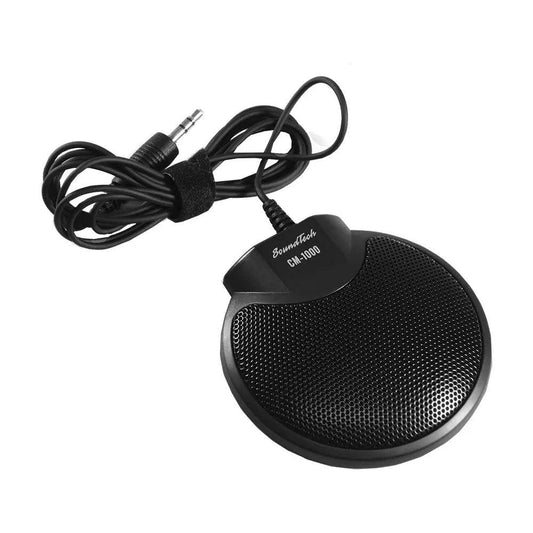
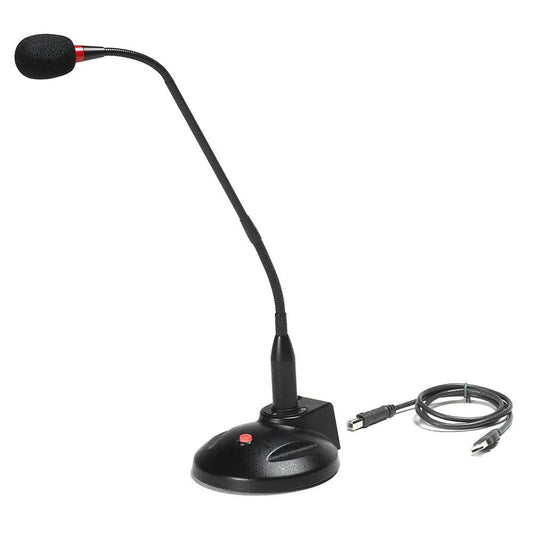
In many dictation environments, professionals find it easier to do their dictation at their desk or dedictated workstation. In those cases, authors can benefit from the high-fidelity and added functionality of today's digital desktop recorders.

How it Works

Unlike handheld digital recorders, desktop recorders create a digital voice file directly on your computer as you dictate. While this limits your portability, it does provide you with the highest recording fidelity as well as you give you additional flexibility to:

  • Use speech recognition software in real time to create documents and control your PC.
  • Input bar codes or other demographic information directly into your voice file.
  • Control your PC mouse as you dictate (depending on recorder model).

Recorder Brands

Philips SpeechMikes

Once an innovation, now an industry standard, the line of SpeechMikes from Philips continued to be a favored choice among dictating professionals.

New from Philips, the SpeechMike Air, a wireless solution for your desktop dictation needs.

Philips Professional SpeechMikes

Grundig Digta SonicMic Recorders

Ever the innovator, Grundig - a major European dictation powerhouse - brings its award-winning SonicMic recorders to the USA.

Grundig Digta SonicMic Recorders

Olympus Directrec Recorders

Expanding on their experience in digital voice recording, Olympus offers two desktop models, the DR-2000 and the DR-1000 Direct Rec recorders.

Olympus Professional DR Recorders

Digital Work Flow

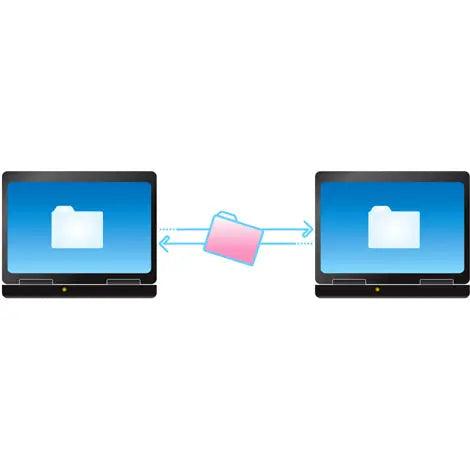
Desktop digital recording provides a convenient and high-quality means of delivering digital voice files to a transcriptionist, whether in-house or remote.

White these scenarios reflect the most common installations, American Dictation can provide a customized installation to meet your specific needs. Dictation WorkstationRemote Transcription

Single Office Workflow

  1. The dictating author records one or more voice files on their desktop recorder.
  2. The digital voice files are automatically copied to the network File Server, and a back-up of each file is made on the attorney's PC. The recorder is then automatically erased and within a few seconds, the author is back at work.
  3. The typist receives an alert that dictation files are now available on the server.
  4. The typist selects the file they wish to transcribe from within their Transcription Software. By selecting a file, others who may be eligible to type are prevented from listening to the voice file, thereby eliminating an unnecessary duplication of work.
  5. Once the voice file is typed, it is moved out of the work queue and archived or deleted at a later time.
  6. The typed documents are stored and shared according to your existing workflow.

Remote Transcription Workflow

Most common in medical offices, a transcriptionist may be working from a remote office or home. Using the built-in Internet transfer functionality of the software, the voice files can be encrypted (for HIPAA compliance) and sent to the Transcriptionist via e-mail or FTP*.

Note: at this time, only the Olympus DSS Player Pro software system can allow the transcriptionist to return typed documents via the same encrypted method by which the voice files are sent.

  1. The dictating author records one or more voice files on their desktop recorder.
  2. The digital voice files are automatically copied to the author's PC. The software will then send the files (encrypted for security purposes, if desired) via e-mail to a selected typist. Alternatively, the files can be transferred by FTP* to an FTP server*. The recorder is then automatically erased and within a few seconds, the author is back at work.
  3. The transcriptionist retrieves the files from their e-mail or FTP server*.
  4. The transcriptionist selects the file they wish to transcribe from within their Transcription Software.
  5. Once the voice file is typed, it is moved out of the work queue and archived or deleted at a later time.
  6. The typed documents may be returned to the author via the Internet (see not above).

There are several considerations to make when choosing which Internet protocol (e-mail or FTP) is best. Talk to an American Dictation Enterprise Specialist at 866-408-1383 for more information.

* American Dictation provides low-cost FTP services for its customers. For more information,Contact American Dictation.

Information presented herein is provided by outside sources, such as manufacturers and distributors, and its accuracy is not guaranteed.
Prices, specifications, and features are subject to change without prior notice.
"American Dictation," the American Dictation logo, "Try-It-F1rst," "NovusGear," the NovusGear logo, "NovuScript," and the NovuScript logo
are trademarks of American Dictation Corp.
All other trademarks are the property of their respective owners.

©2009 American Dictation Corp. All Rights Reserved.
All content, images, and code are the property of American Dictation and may not be used without express permission.

Powered by Novusweb, the Art & Science of E-commerce